Everything you'd expect from your mail, and a few things you wouldn't.
An address with no name or phone number behind it, mail that's quick and calm, and no ads or tracking pixels.
Calm, quick, and easy to find.
Conversations instead of a pile of replies. Archive what's done, star what matters, and let rules file new mail into your own folders as it arrives.
- Search as you type; accents don't matter
- from:, to:, in:, has:attachment, is:unread, dates
- Light, dark and ten themes, on every device
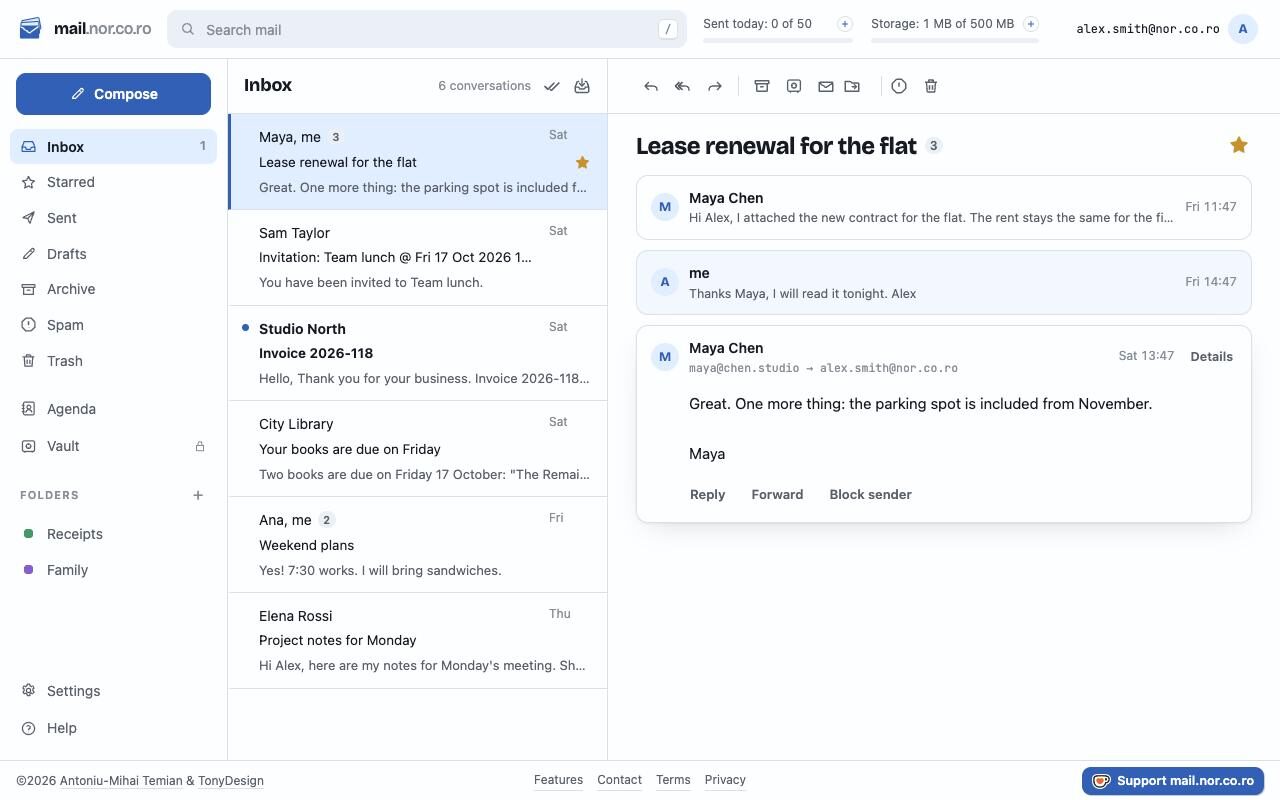
Your own domain, in the same inbox.
Bring yourname.ro: its mail arrives next to your normake.com address. Add contact@ or office@ to your own inbox, and invite people onto the domain, each with an inbox and password of their own. You run it; you can't read their mail.
- Add the .com as an alias: every address works on both
- Choose the address new mail goes from; a reply goes from the one it came to
- A few DNS records to copy, checked for you, and a key that signs your domain's mail
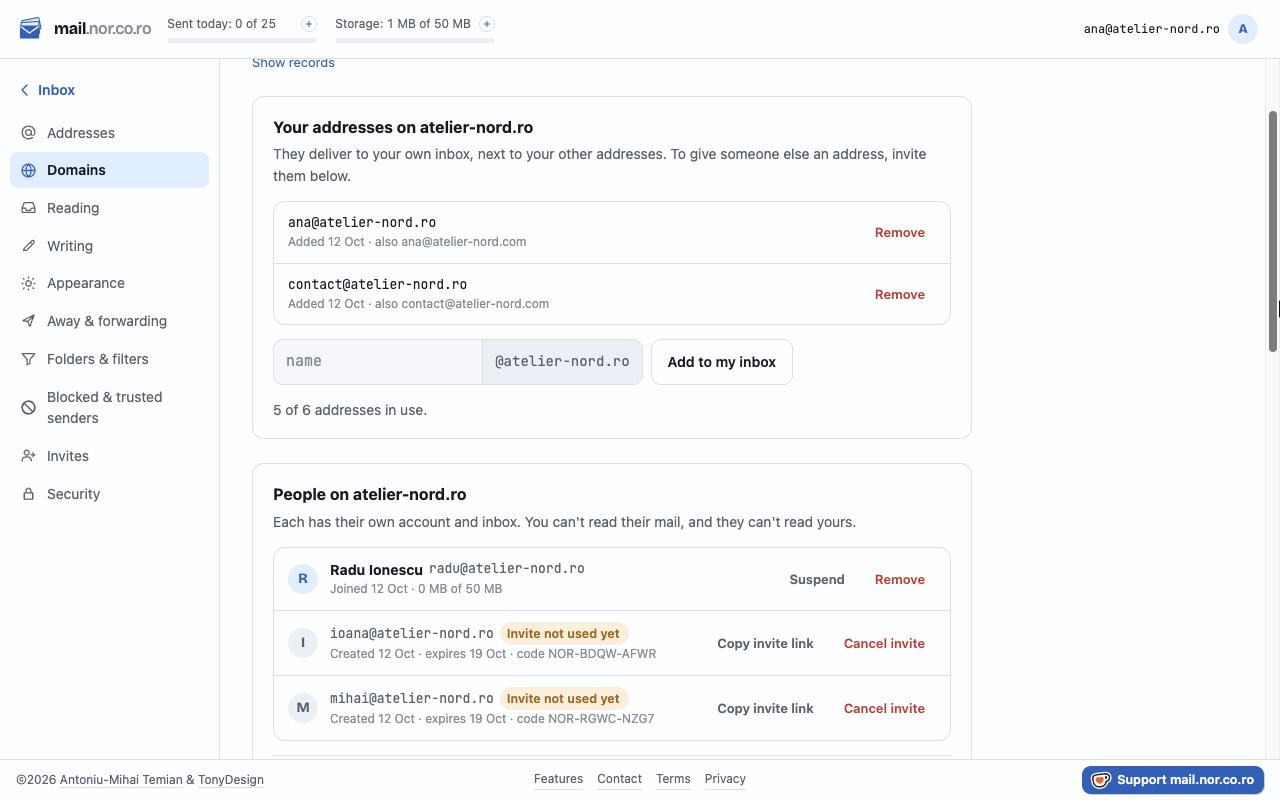
A folder behind a PIN.
Put a conversation in the Vault and it shows nowhere else: not in your Inbox, your folders, search, or mail apps on your phone. It locks itself when you step away.
- 6 digits, with a keypad on your phone
- Locks after the minutes you choose, or when the tab goes to the background
- Take it out and it's back where it was
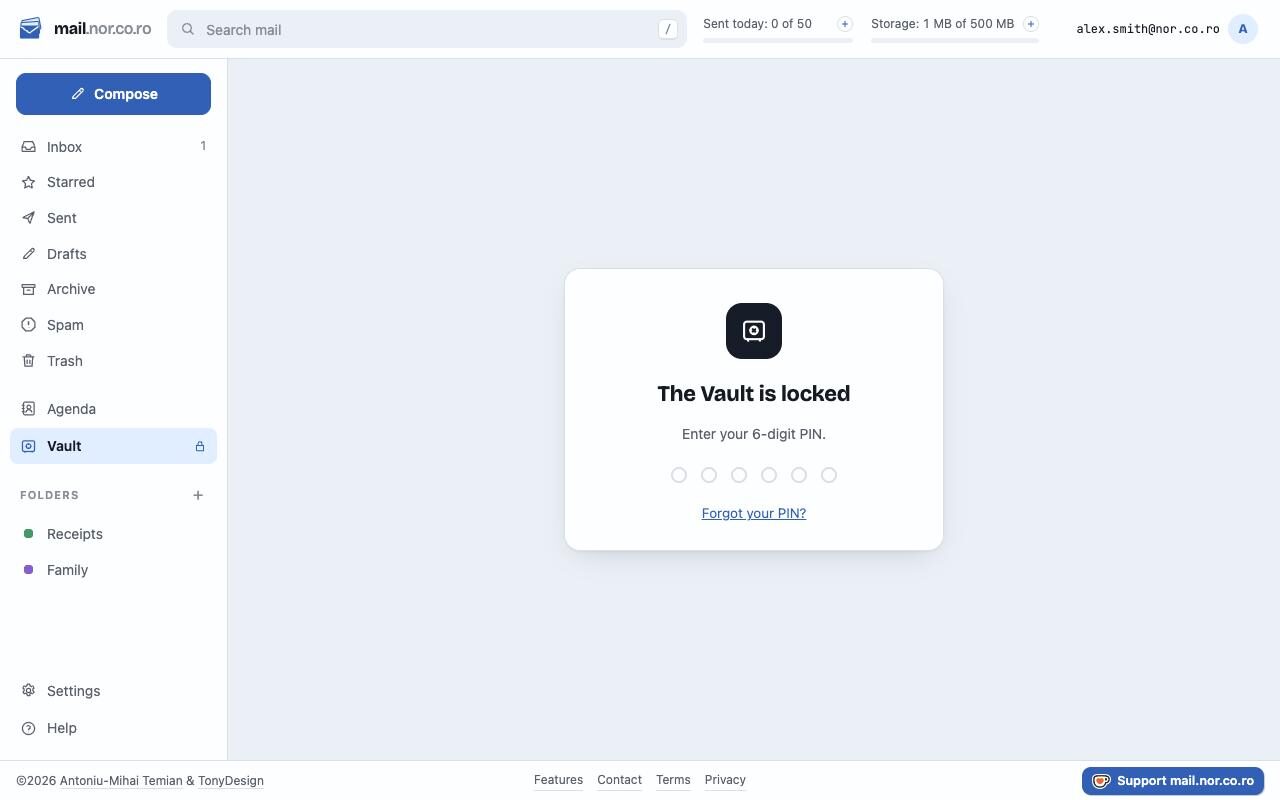
Accept, Maybe, Decline. Right in the message.
Invitations from Google Calendar, Outlook, Apple and Teams show as a card: when, where, who's coming. Your answer goes straight to the organiser's calendar; Add to calendar puts it in yours.
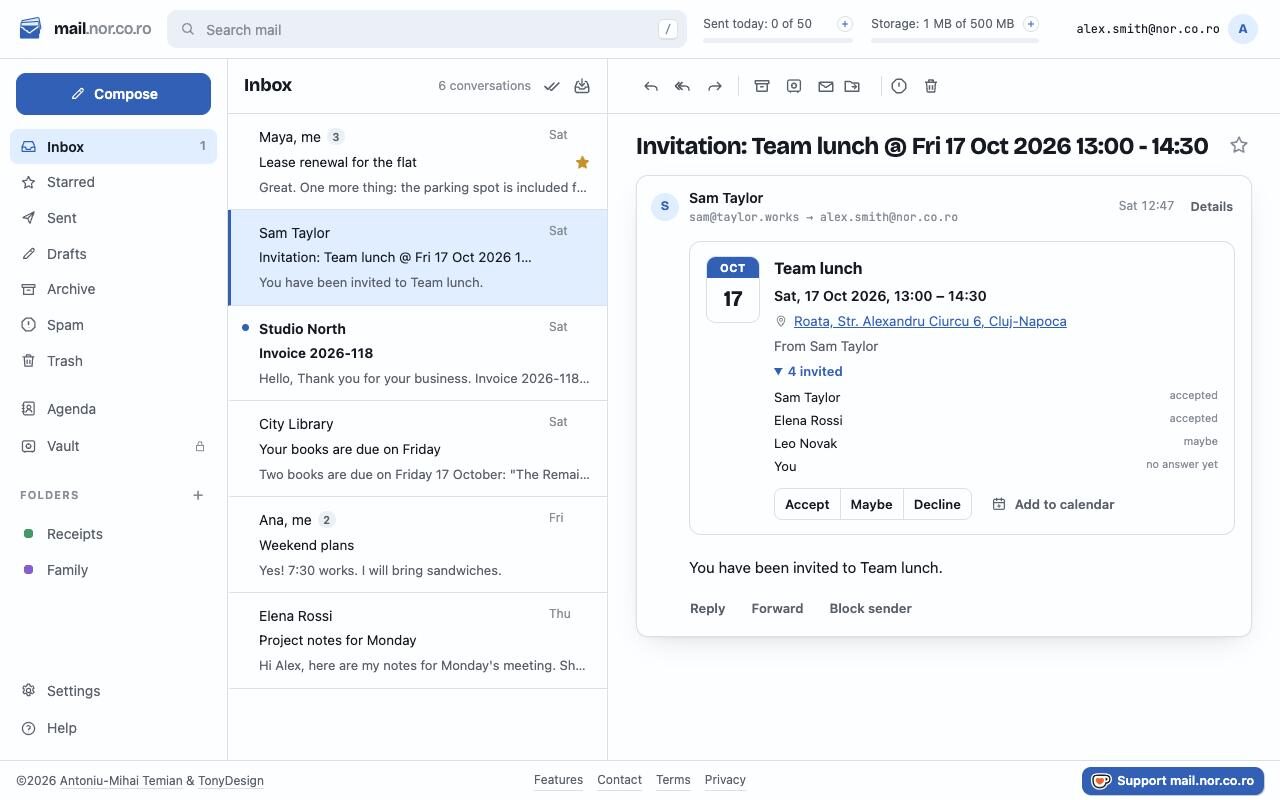
A signature that looks like you.
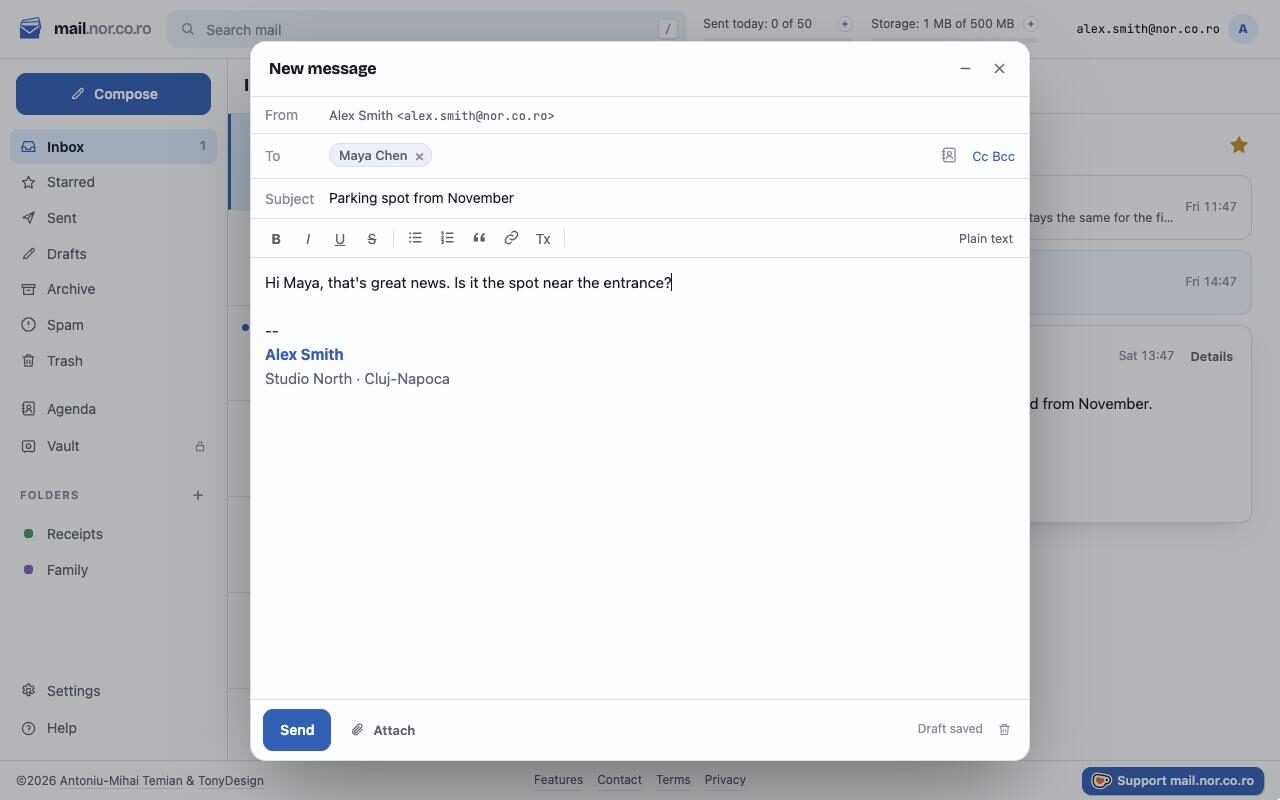
Drafts save as you type, and the window shrinks to a corner while you look something up. Signatures can be plain or formatted, with your colours and logo.
- People from your Agenda, and the right email when they have several
- Up to 18 MB of attachments: pick, drop or paste them
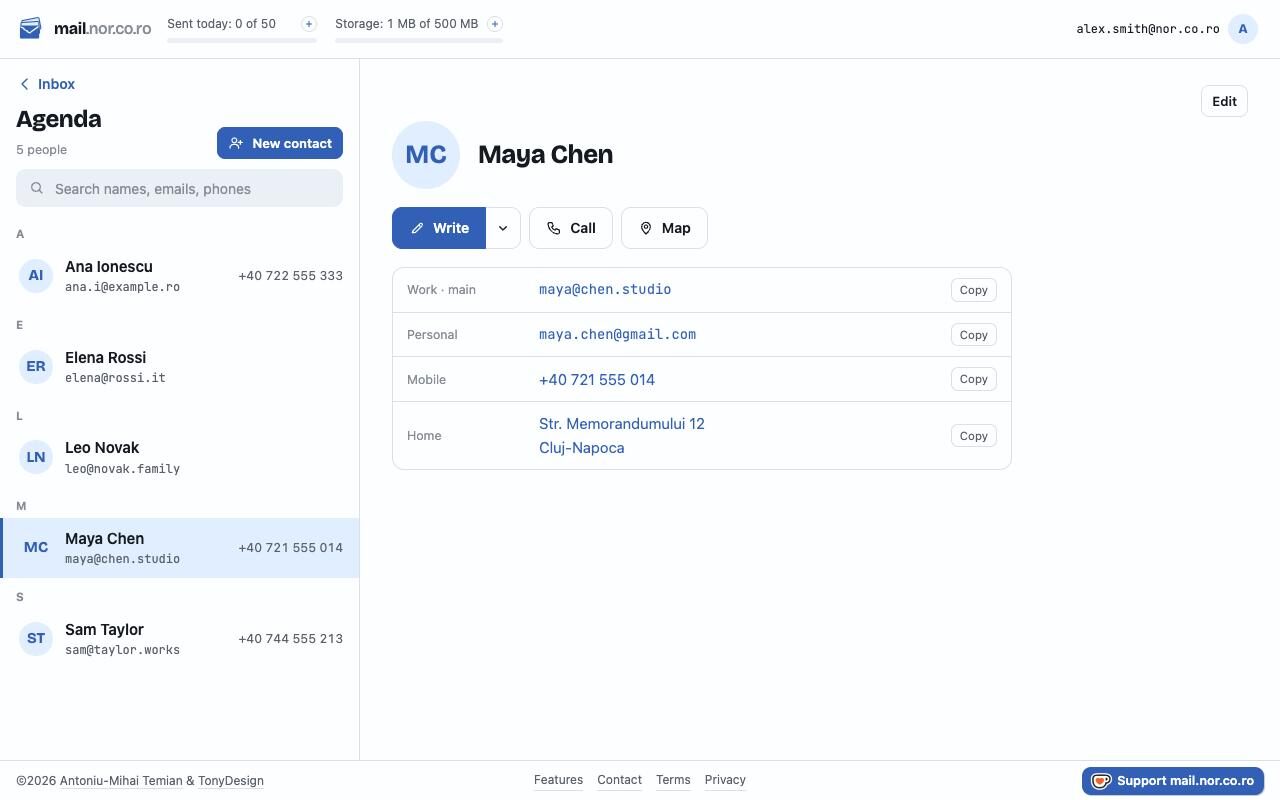
Everyone you write to, in one place.
All their emails, phones and addresses, each with a category. Add someone from a message with one click; on your phone, Call and Map open the dialler and maps.
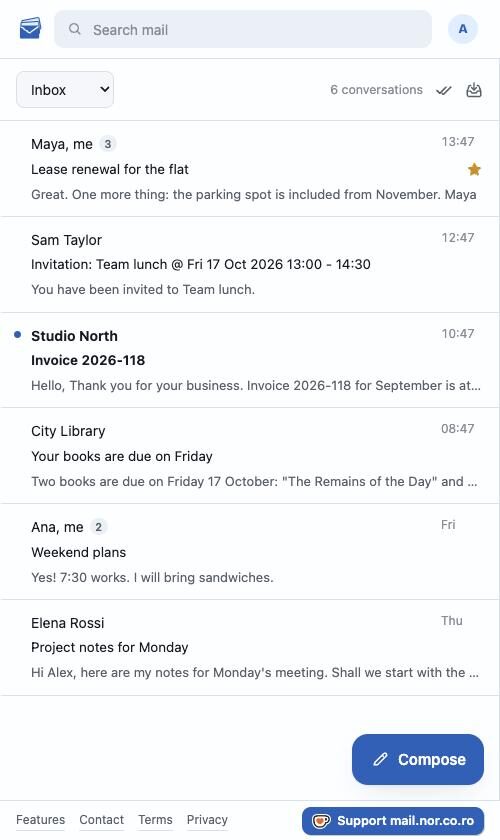
One tap, and it is an app.
There is an Install app button at the foot of every page. Press it and mail.normake.com gets its own icon and its own window — no address bar, no browser around it, still signed in. On an iPhone or iPad, where Apple allows a page no such button, it shows you the three steps instead. Nothing is downloaded, nothing goes through an app store, and it is never a version behind: the app is this website.
- Phones and computers alike: Chrome, Edge and Safari, in the Dock or on the home screen
- Notifications when mail arrives, with the app closed
- What wakes your phone carries nothing: not the sender, not the subject
- Or just "New mail", if that is all you want on a lock screen
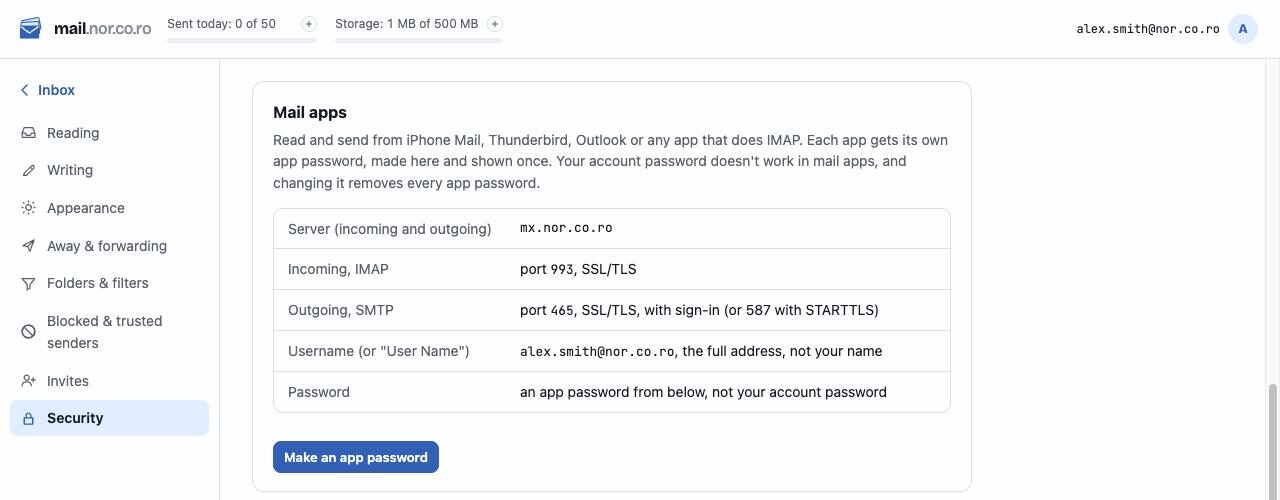
Or read it in the app you already use.
iPhone and Mac Mail, Outlook, Thunderbird: anything that speaks IMAP. Each app gets its own password, so you can switch one off without touching the rest.
And the rest
Want an address?
Addresses are by invitation. Ask for one; it takes a minute.